
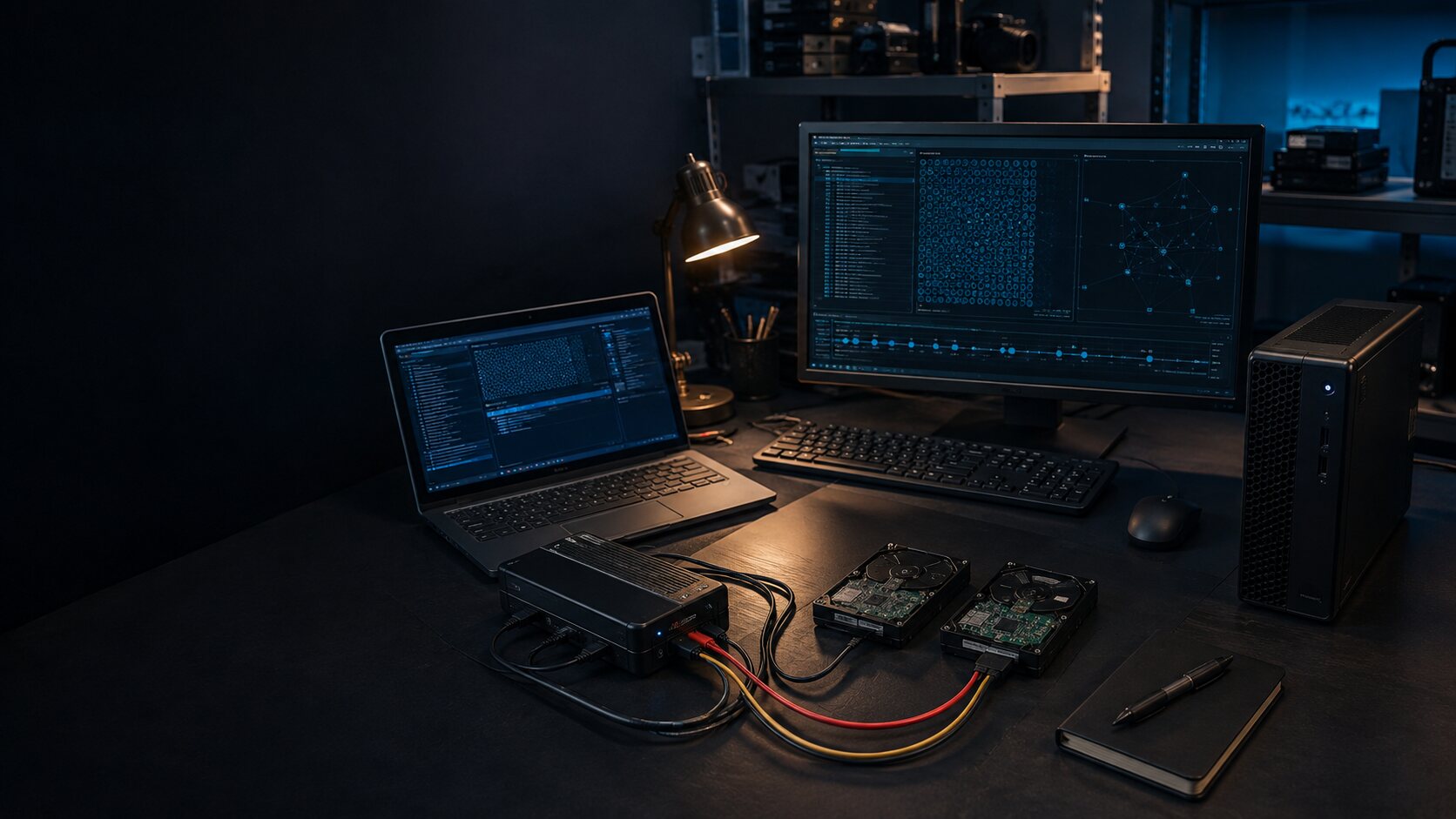
Computer and laptop evidence
Computer Forensic Examination for Windows, Mac and Linux
Independent examination of computers, laptops, servers and storage across Windows, macOS and Linux, focused on the user activity, file history, applications and timelines relevant to the instruction.
Direct access to Alistair Ewing · Free initial consultation · Written estimate before work
Examine what the system records, not what a single tool labels
A computer examination can bring together file-system records, operating-system artefacts, application data and the surrounding business or case chronology. The useful question is rarely simply what is on the disk. It is whether the available records support a defined account of access, copying, execution, browsing, transfer, deletion or system use.
Alistair has worked with Windows, macOS and Linux systems, including laptops, desktops, servers, removable storage and existing forensic images. Each platform and version records activity differently, so methods are selected after the source, state, encryption and required output are understood.
Forensic imaging preserves a source for later work; examination interprets the acquired material. An instruction may require both, or may begin with a supplied image or focused collection. The estimate separates acquisition, processing, examination and reporting so the client can see the purpose of each stage.
Where it is proportionate, a verified working copy may sometimes be started in an isolated virtual environment to understand a legacy desktop or application in context. The preserved acquisition remains separate, changes to the working environment are documented, and virtualisation is used only when it can assist the instructed question.
Questions a computer examination may address
- Whether defined files were created, accessed, copied, renamed or deleted around the relevant dates.
- Whether removable storage was connected and what activity coincided with its use.
- What browser, application, cloud-synchronisation, archive or file-transfer records show.
- How user, account and system activity can be brought together into a defensible chronology.
- Whether shared use, automated processes, administration or other reasonable explanations remain.
Material that may be needed
- The original computer, a verified forensic image or an existing targeted collection.
- System details, current power state, encryption position and lawful access information.
- Named files, accounts, date ranges and the proposition the records are said to support.
- Related email, cloud, server, network or audit sources where they bear on the question.
- Prior reports, acquisition logs, manifests, exhibit references and hash values.
User attribution: a device, an account or a person?
A file associated with a user profile does not, by itself, identify the person responsible for an action. A user-attribution review compares account sessions, device access, application activity, remote connections and the surrounding chronology. Shared accounts, unattended sessions, automated synchronisation and administration may provide alternative explanations.
The findings distinguish activity on a system from activity under an account and from any conclusion about a person. Where a Computer Misuse Act allegation is involved, technical evidence can address recorded access, commands, changes and timing. Whether conduct was legally authorised or an offence is proved remains a matter for the legal process. See digital evidence for criminal proceedings.
Limits of computer evidence
- A device or account record does not automatically identify the human actor or their intent.
- Timestamps depend on clocks, time zones, file systems and software behaviour and require context.
- Encryption, overwriting, solid-state storage and routine clean-up may leave gaps or prevent recovery.
- Absence of an artefact does not by itself prove that an event never occurred.
- Damaged hardware or unusual systems may require a separately identified recovery or platform specialist.
What helps scope a computer examination
- Party and relevant entity names for the conflict check.
- Device make, model, operating system, location and current state if known.
- The disputed activity, accounts, files and relevant date range.
- Whether the original device, forensic image or prior technical report is available.
- Report deadline, intended output, jurisdiction and funding route.
Please do not attach evidence, passwords or confidential case papers to the public enquiry. A secure route is agreed only after the conflict check.
Frequently asked questions
Is forensic imaging the same as forensic examination?
No. Imaging acquires and preserves data from a defined source. Examination interprets relevant artefacts within the agreed questions. A matter may need one or both stages.
Can Alistair review an image made by another provider?
Yes, subject to authority, compatibility, sufficient acquisition records and a suitable scope. Existing collection notes, manifests and hash values help assess what was supplied.
Should I switch the computer off?
There is no universal answer. Power state, encryption, volatile data, business impact and the suspected event all matter. Record the current state and obtain source-specific advice before taking an action that may alter evidence.
Read all questions about fees, timing, evidence and instructing Alistair
Initial enquiry
What does the computer evidence need to establish?
Describe the computer or supplied forensic image, the relevant accounts and dates, the disputed activity and the required output. Do not attach the image, files, passwords or case papers to the public enquiry.