
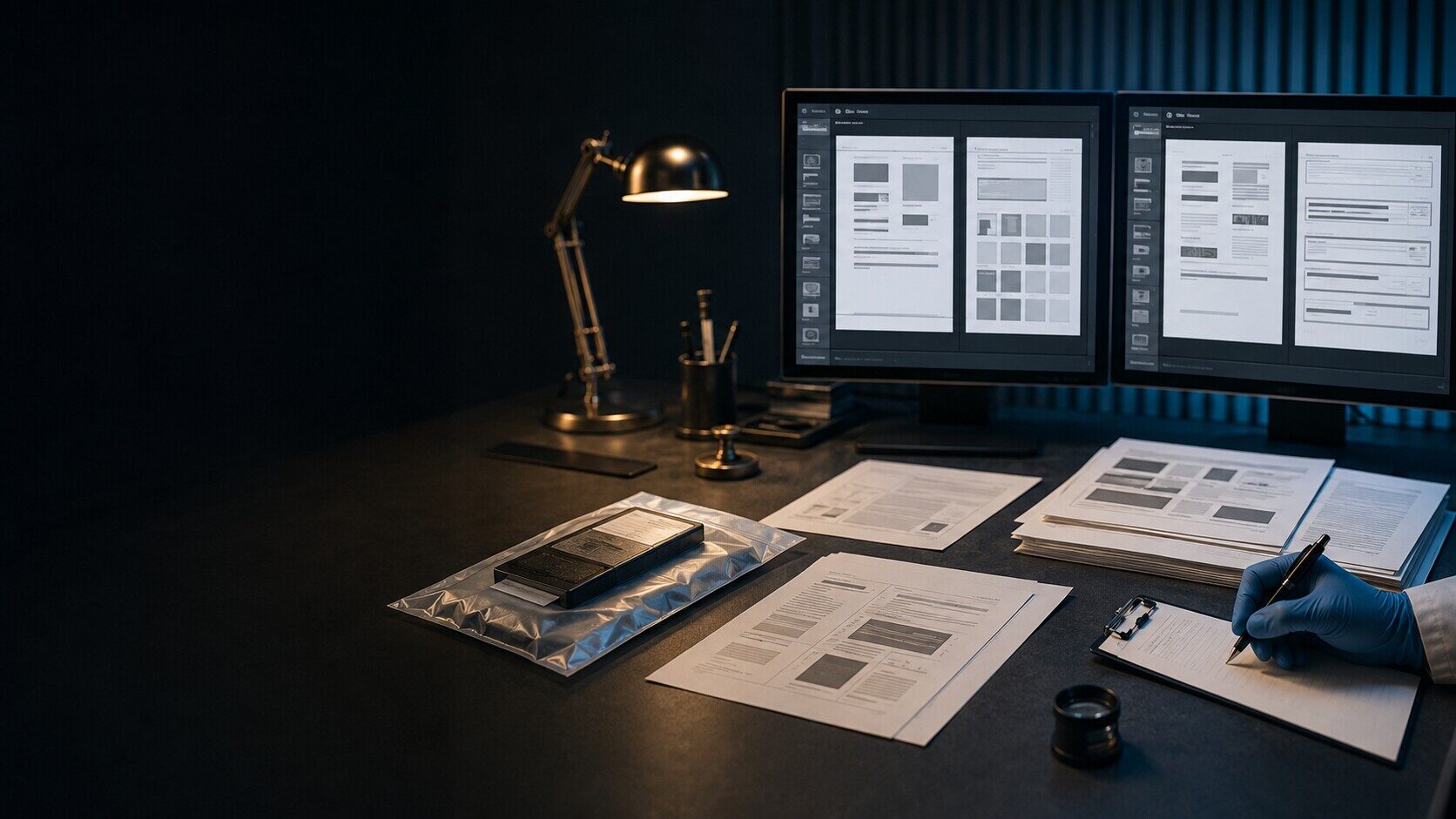
Word, Excel and PowerPoint evidence
Office Document Forensic Analysis
Independent review of Word, Excel and PowerPoint files and records where document history or provenance is disputed.
Direct access to Alistair Ewing · Free initial consultation · Written estimate before work
Start with the native Office file and the question it must answer
A print, screenshot or PDF may preserve appearance but omit information held in the native Office file. Depending on the format, an examination may consider structure, properties, comments, revisions, embedded material, formulas and links in their application and storage context.
Related emails, earlier copies, OneDrive or SharePoint version history, file-system records and an account of how each copy was obtained may help test a chronology. Preserve the source without resaving, converting or cleaning it. The output separates direct observations from inferences about editing, handling and authorship.
Questions an Office document review may address
- Whether two Word, Excel or PowerPoint files are related and what differences can be identified.
- Whether properties, comments, revisions or internal structure are consistent with the account given.
- Whether workbook formulas, links or hidden content, and visible dates, are consistent with other records.
- Which findings support a sequence and which cannot identify the person who made a change.
Material worth preserving
- The earliest available native DOCX, XLSX, PPTX or legacy-format files, without resaving them.
- Every material version, including native covering emails and copies held by the other party.
- Available OneDrive or SharePoint version and library records obtained with proper authority.
- File-system records or forensic images where device history is relevant.
What Office-document evidence cannot prove by itself
- Author and last-saved-by properties can be entered, inherited, copied or changed and do not identify a human author on their own.
- Comments, revisions and personal information may have been accepted, removed or cleaned before the supplied copy was created.
- AutoSave, co-authoring, templates, shared accounts, conversion and storage settings can affect the recorded history and available versions.
- Handwriting, ink, paper and physical-signature comparison require a separate questioned-document specialist.
What helps scope the examination
- Party names, the dispute and the precise date, revision, calculation or provenance question.
- File types, counts, sources and whether native files, messages, devices or cloud histories are available.
- The competing accounts that the technical evidence is intended to test.
- Jurisdiction, required output, deadline and funding basis.
Please do not attach evidence, passwords or confidential case papers to the public enquiry. A secure route is agreed only after the conflict check.
Official technical context
How Microsoft describes Office files and histories
Microsoft explains that Office properties are metadata and that some can be edited. Its Document Inspector guidance lists comments, revisions and personal information that may be removed, and recommends working on a copy. Microsoft also documents version history for Office files in SharePoint libraries and the ZIP and XML basis of modern Office Open XML formats.
Frequently asked questions
Can document metadata prove who wrote a Word file?
Metadata may support or undermine part of an account, but a name in a property is not proof that the person typed or edited the content. Device, account, version and communication evidence may be needed.
Is a PDF enough for an Office document examination?
It may answer a question about the PDF itself, but it normally lacks some source-application information. Preserve the native Office file and see the specialist PDF and digital document authenticity guide.
Read all questions about fees, timing, evidence and instructing Alistair
Initial enquiry
What does the Office document need to establish?
Describe the native file types, available versions, disputed proposition and deadline. Do not attach the files to the public form. A secure route follows conflict, suitability and scope checks.